Tutorials9 min readby Jose M. Cobian

How to Debug Twilio Call Failures in Production (2026 Guide)

A practical playbook for diagnosing Twilio call failures in production: error codes, silent failures, webhook debugging, and cross-provider correlation with ElevenLabs and Vapi.

TL;DR — The short answer

  • 1

    Twilio error codes fall into two fundamentally different categories — Twilio-side infrastructure errors (11200, 13225) and app-side configuration errors (32009, 31005) — and diagnosing each requires a different evidence source.

  • 2

    Silent call failures — status='completed' in Twilio billing while the caller experienced a broken interaction — account for a significant share of production voice AI failures and require cross-provider timestamp correlation to detect.

  • 3

    Twilio webhook failures are the single most common root cause of 11200 errors; the fastest debugging path is ngrok for local testing and structured webhook logging with call SID and payload in production.

  • 4

    Cross-provider correlation — aligning Twilio call SIDs with ElevenLabs session IDs or Vapi call IDs — is the step most teams skip and the step that resolves the most important failure class: interactions that look successful to every provider but failed for the caller.
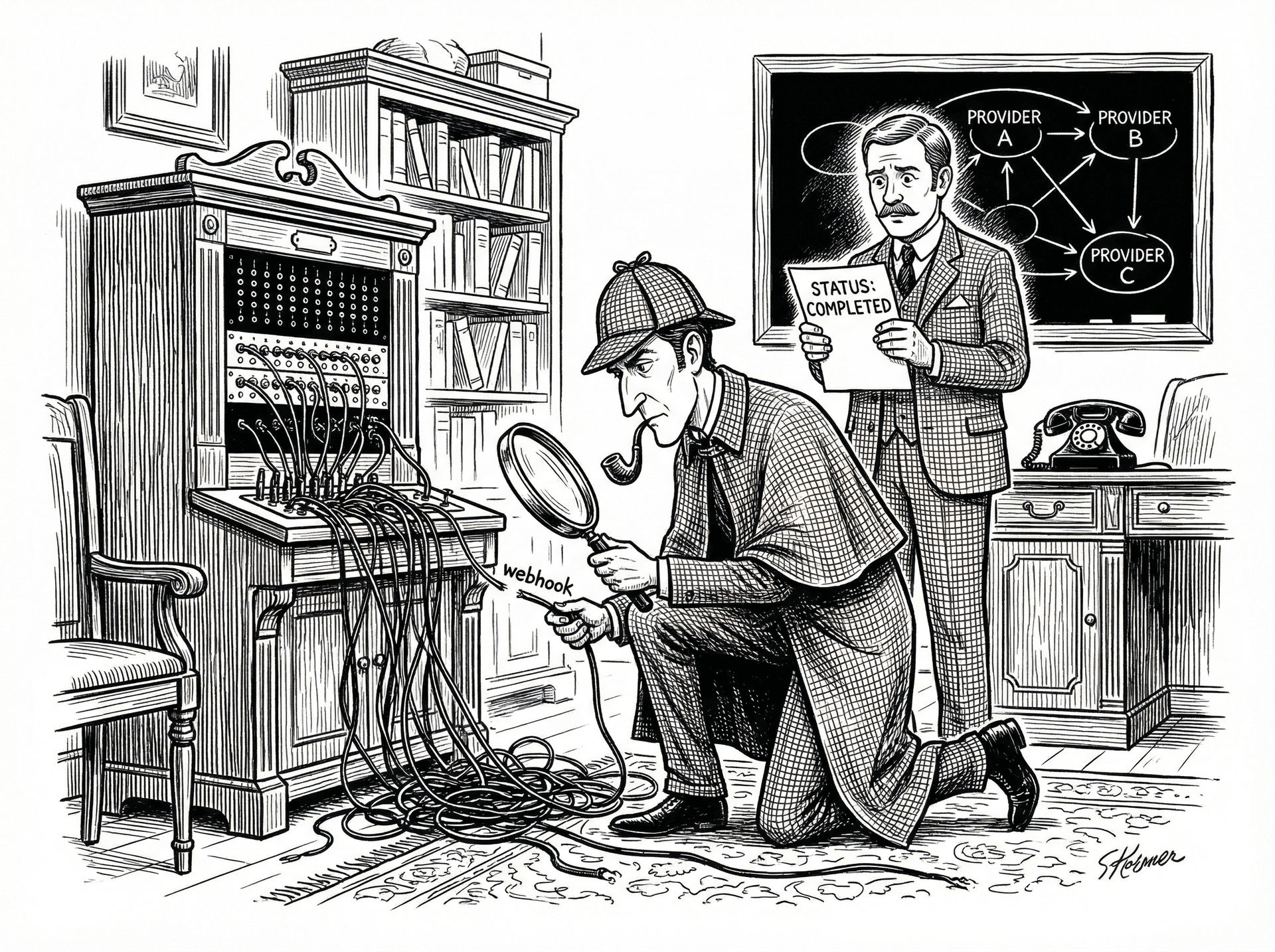
The Twilio error code taxonomy: what actually matters in production

Twilio surfaces errors in two places: the Debugger in the Console (https://console.twilio.com/us1/monitor/debugger) and the error_code field on call and message resources returned by the REST API. Not all error codes are equally actionable — some indicate problems in your application, some indicate problems on Twilio's infrastructure, and some indicate expected telephony conditions that you need to handle gracefully.
The five error codes teams hit most often in production voice AI deployments:
11200 — HTTP retrieval failure. Twilio attempted to fetch your TwiML from the configured webhook URL and failed. This is the most common error in new deployments and returns after configuration changes that break the webhook URL. The root cause is almost always in your application or infrastructure: the URL is unreachable, your server returned a non-2xx status, your SSL certificate expired, or your server exceeded the 15-second response timeout. The Debugger shows the exact HTTP status Twilio received, which narrows the diagnosis immediately.
13225 — Dial timeout. Your verb timed out before the called party answered. This is expected behaviour in outbound dialers (not everyone answers) but becomes a problem when it appears on inbound calls or on calls to internal SIP endpoints that should answer immediately. In voice AI deployments, 13225 on outbound AI calls typically indicates either an incorrect dial string or a rate-limiting condition on your outbound trunk.
32009 — Application error. This is a SIP signaling error originating in your application code — Twilio received a malformed TwiML response, encountered an unsupported verb combination, or your TwiML contained a value outside the accepted range for a parameter (for example, a timeout value above the maximum). Check the Debugger for the specific TwiML parsing error.
31005 — Connection error. This error appears in WebRTC and Twilio Client SDK contexts when the connection between the browser/SDK and Twilio's infrastructure fails. In production voice AI, it surfaces most often in browser-based call flows. Check whether your Content Security Policy is blocking WebSocket connections to Twilio's media servers (chunderw.twilio.com and the regional equivalents).
13227 — SIP error. A 4xx or 5xx SIP response was received from the called endpoint. The SIP response code is included in the error details. 404 means the called number or SIP address does not exist; 486 means busy; 503 means the SIP trunk or carrier is unavailable. In AI voice deployments using SIP trunking, 13227 with a 503 often indicates a capacity issue on the carrier side during high-volume windows.
The critical diagnostic distinction is between Twilio-side errors and app-side errors. Twilio-side errors (infrastructure outages, carrier issues) affect all calls across your account simultaneously — check https://status.twilio.com before debugging. App-side errors affect specific call flows, specific webhook URLs, or specific configurations — check the Debugger for the exact URL, payload, and HTTP status involved in the failure. If the error affects a subset of your calls, it is almost certainly app-side.

Silent call failures: when Twilio logs 'completed' but the call broke

The most damaging class of Twilio failures in production voice AI is not the ones that generate error codes. It is the calls that complete the telephony lifecycle — Twilio bills them, ElevenLabs charges for the TTS generation, your CRM may even log the interaction — but the caller experienced a failure: silence, a dropped connection mid-conversation, or an AI agent that started speaking and abruptly stopped.
The pattern is consistent. Twilio status callback fires with CallStatus=completed and CallDuration=5 (or 8, or 12 — some brief duration). Your ElevenLabs logs show a successful TTS generation with the correct character count consumed. Your Vapi or Retell session log shows session_started and session_ended with no error. No alert fires. No on-call engineer gets paged. The failure is invisible in every individual provider's log.
The three most common causes of this pattern:
Silence detection firing early. Twilio's verb and media streaming configurations have configurable silence and inactivity timeouts. The default is 5 seconds. If ElevenLabs or your TTS provider takes 900ms to generate audio, and streaming the audio to Twilio takes an additional 300ms, and the caller paused for 2 seconds after the AI finished speaking, you are at 3.2 seconds into the silence window — 1.8 seconds before the timeout fires. But if the AI's response was longer than usual (380 characters instead of 95) and generation took 1,400ms instead of 280ms, the combined generation-plus-streaming time is 1,700ms, leaving only 3.3 seconds for the caller to respond before Twilio terminates the call. The call drops. Twilio logs it as completed.
TTS latency spike from ElevenLabs or Vapi. ElevenLabs generation latency under normal load averages 250–400ms for eleven_turbo_v2_5 with inputs under 150 characters. Under API load or with longer inputs, this can spike to 1,100–2,000ms. Vapi's LLM-to-TTS pipeline adds orchestration overhead — a 200ms LLM response time plus 800ms TTS spike is 1,000ms before a single byte of audio has been sent to the caller. At that latency, the call is in the danger zone for most silence threshold configurations.
Webhook timeout. If your status callback URL takes longer than 15 seconds to respond to Twilio's POST, Twilio logs an 11200 error against the call and continues, but the downstream processing you expected to happen (CRM write, analytics event, transcript save) may never complete. The call shows as completed with no error in the Debugger, but your database has no record of it.
Detecting these silent failures requires correlating three datasets: Twilio call SID and duration, ElevenLabs session ID and generation timestamps, and your call outcome data. Specifically, find calls where Twilio CallDuration is between 3 and 15 seconds (too short to be a real conversation, too long to be a pure connection failure) and correlate with ElevenLabs sessions where generation_latency exceeded 700ms within the same 30-second window. This intersection is your silent failure population.

Webhook debugging: the fastest path to root cause

Twilio webhooks are the mechanism by which Twilio communicates call lifecycle events to your application. Understanding the two distinct webhook channels — the request-time TwiML webhook and the status callback webhook — is the prerequisite for debugging them correctly.
The TwiML webhook (configured as the Voice URL on your phone number) fires when an inbound call arrives or when an outbound call connects. Twilio makes an HTTP request to this URL and expects a valid TwiML XML response within 15 seconds. If the response is not received, Twilio logs an 11200 error and falls back to the configured fallback URL (if any). If no fallback is configured, the call fails.
The StatusCallback webhook (configured in your verb or via the status_callback parameter in API calls) fires at call lifecycle events — initiated, ringing, answered, completed. It is informational; Twilio does not wait for your server's response before continuing call processing.
The most common webhook failures and their causes:
11200 errors from unreachable URLs. In development, your application runs on localhost — Twilio cannot reach it. Fix: use ngrok (ngrok http 3000) to create a public tunnel to your local server. Copy the generated URL (e.g., https://abc123.ngrok.io) into the Voice URL field in your Twilio phone number configuration. Restart ngrok on each session and update the URL — or pay for ngrok's fixed-subdomain tier to avoid this.
Certificate issues. Twilio requires a valid TLS certificate on webhook URLs. Self-signed certificates are rejected. If your staging environment uses a self-signed cert, Twilio will return an 11200 with an SSL handshake error. Use Let's Encrypt for staging environments — it is free and Twilio accepts it.
Slow response times. Twilio's request timeout for the TwiML webhook is 15 seconds. If your webhook handler does synchronous database writes, third-party API calls, or any I/O before returning the TwiML response, measure the total response time. Add request-start and TwiML-sent timestamps to your webhook handler logs. Any handler consistently above 8 seconds is approaching the failure threshold — move all I/O to async processing after the TwiML response is sent.
Production approach for webhook logging: Log every incoming Twilio webhook event to a structured log with at minimum: CallSid, CallStatus, timestamp (UTC ISO 8601), From, To, and the raw request payload. Store this in your database or a log aggregator. This gives you a complete audit trail for any call — essential for correlating Twilio events with ElevenLabs or Vapi logs during incident investigation. A log entry that takes 2ms to write prevents hours of reconstruction work.

Cross-provider correlation: the missing step most teams skip

When a voice AI call fails in production, the investigation almost always stops too early. The engineer checks Twilio — no error code, call shows completed. They check ElevenLabs — TTS generation successful. They check Vapi or Retell — session ended normally. No error anywhere, so the incident is closed as 'unable to reproduce' or attributed to a one-off network condition.
This is the wrong conclusion. The failure is not in any individual provider's logs — it is in the space between them. The specific combination of Twilio timing, ElevenLabs latency, and the orchestration layer's error handling is what produces the failure, and reconstructing it requires holding all three providers' event timelines simultaneously.
The practical problem: Twilio identifies calls by CallSid (a 34-character alphanumeric string beginning with CA). ElevenLabs identifies TTS sessions by history item ID. Vapi identifies calls by its own internal call ID. None of these are the same identifier, and no provider automatically logs another provider's identifiers. The correlation has to be done by timestamp — finding events in each provider's logs that fall within the same time window.
This is where the 200–500ms timestamp drift problem becomes critical. Different providers timestamp the same event at different points in their processing pipeline. Twilio may timestamp call_initiated at the moment the SIP INVITE is sent; ElevenLabs timestamps the session at the moment the WebSocket connection is established, which could be 300ms later. If you are looking for ElevenLabs events within ±100ms of the Twilio event, you will miss valid correlations. The correct window for cross-provider correlation is ±1,000ms — wide enough to account for drift, narrow enough to exclude unrelated events.
The correlation algorithm: 1. Take the Twilio CallSid and extract the call_initiated timestamp from the Twilio call resource. 2. Query ElevenLabs history for sessions with created_at within ±1,000ms of the Twilio timestamp, filtered by your ElevenLabs agent ID. 3. If multiple ElevenLabs sessions fall in the window (possible during high call volume), narrow by checking whether the ElevenLabs session's text content matches the conversation context you expected for that call. 4. Repeat for Vapi or Retell using the same timestamp window.
This correlation, done manually, takes 15–30 minutes per call even for an experienced engineer who knows all the APIs. At any meaningful call volume — 200+ calls per day — manual correlation is not feasible for systematic analysis. Sherlock Calls automates this correlation: one Slack query ('what happened on the failed calls this morning?') pulls Twilio CallSids, ElevenLabs session IDs, and Vapi call IDs for the same incidents, aligns the timestamps, and delivers the cross-provider timeline as a readable case file. The step most teams skip becomes the first step in the investigation.

Explore Sherlock for your voice stack

Frequently asked questions

What does Twilio error code 11200 mean?

Twilio error 11200 is an HTTP retrieval failure — Twilio attempted to fetch your application's TwiML from the URL you configured (your webhook endpoint) and received an error response or could not reach the URL at all. The most common causes are: your server returned a 4xx or 5xx HTTP status, your SSL certificate is invalid or expired, your webhook URL is unreachable from the public internet, or your server took longer than 15 seconds to respond (Twilio's request timeout). Check the Twilio Debugger in the console for the exact HTTP status code Twilio received — this tells you whether the failure was a network issue (timeout, DNS failure) or an application issue (your server returned an error). For local development, a tool like ngrok that tunnels Twilio's request to your local server will resolve the unreachability issue immediately.

Why does Twilio show a call as 'completed' when it failed?

Twilio's call status field reflects the telephony billing lifecycle, not the caller's experience. 'Completed' means Twilio successfully connected the call and the call ended normally from a telephony perspective — the billing clock ran and the session closed cleanly. It says nothing about whether your AI agent delivered a useful response, whether ElevenLabs synthesised any audio, or whether the caller got what they called for. A call can be status='completed' with a duration of 5 seconds and a caller who experienced total silence. The billing status and the call quality are independent axes. To detect real failures inside 'completed' calls, you need to correlate call duration, TTS generation timestamps, and transcript quality — none of which Twilio's status field captures.

How do I find silent failures in my Twilio call logs?

Silent failures — calls logged as 'completed' that the caller experienced as broken — require filtering for calls with anomalous duration patterns rather than explicit error statuses. In Twilio Console, filter call logs by status='completed' and then sort by call duration. Calls under 8–10 seconds that are not intentional short interactions (e.g., IVR opt-outs) are your primary silent failure candidates. Cross-reference these with your ElevenLabs or Vapi logs: if TTS generation latency on these calls was above 800ms, or if the TTS generation completed after the Twilio call ended, you have confirmed a silence-detection-induced drop. For systematic detection at scale, pull call records via the Twilio REST API, filter for status='completed' AND duration < 10, and correlate with your TTS provider's session timestamps within a ±5-second window.

Can I debug Twilio and ElevenLabs failures in the same tool?

Yes — Sherlock Calls is designed specifically for this. Connect your Twilio and ElevenLabs accounts (plus Vapi or Retell if applicable), and ask operational questions in plain English from Slack: 'what caused the call failures this afternoon?' or 'which calls had ElevenLabs latency above 800ms today?'. Sherlock correlates Twilio call SIDs with ElevenLabs session IDs automatically — handling the 200–500ms timestamp drift between providers — and delivers a sourced case file in the same thread where your team is already coordinating. The investigation that takes 2–3 hours manually takes under 60 seconds. See https://usesherlock.ai for the free tier.

Share

Ready to investigate your own calls?

Connect Sherlock to your voice providers in under 2 minutes. Free to start — 100 credits, no credit card.